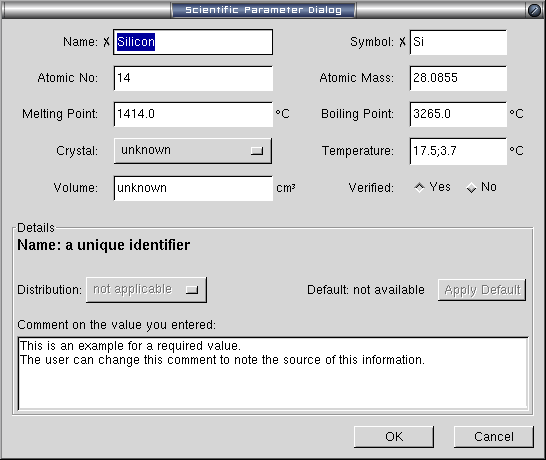
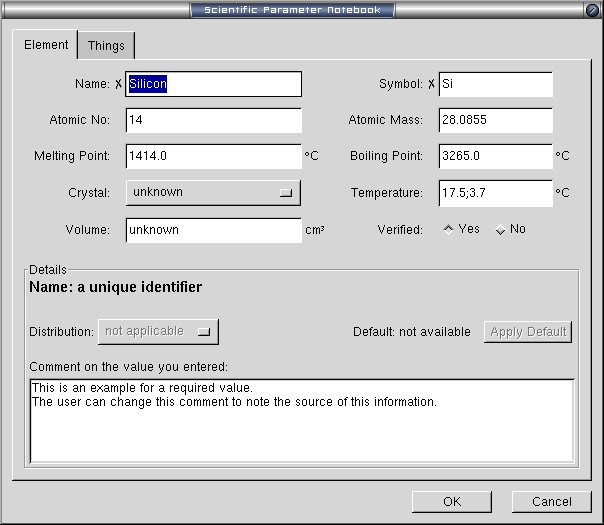
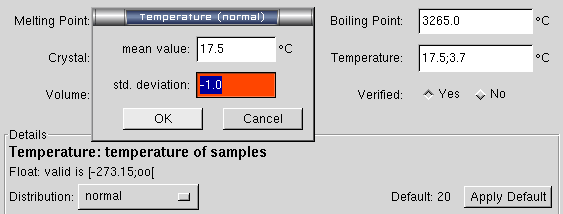
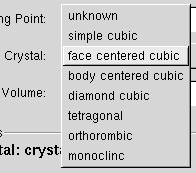
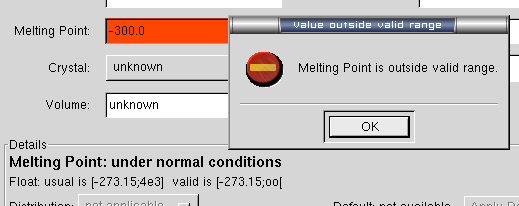
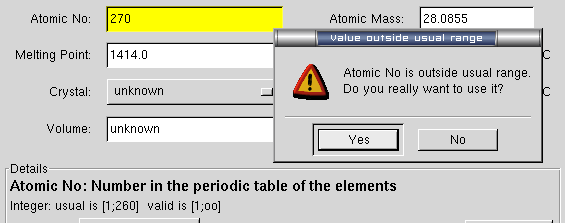
A box will show additional details for the currently selected parameter.
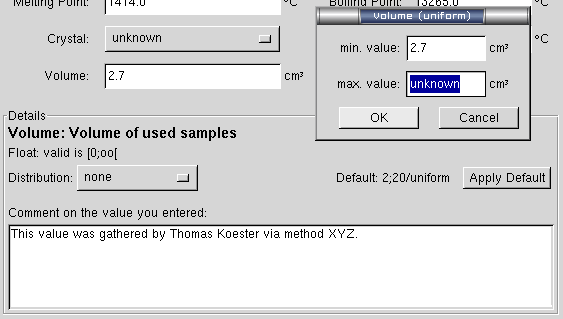
Here you see the parameter "Volume" with a long description "Volume of used
samples". It only allows float values greater or equal zero up to infinity.
There was no distribution active, but now the user selected "uniform",
therefore a new dialog shows up which asks for the maximum value.
The user already noted a comment to the value he's typing now, so nobody
should wonder where it came from.
Using the [Apply Default] button, you can also set this value to a default
value, which would be "2;20/uniform" in this case. This long format of
"value;distribution parameter/distribution type" can be used in the input
field, too, to save the user from putting his hands away from the keyboard to
the mouse.